A slim chat app for every major AI provider — plus a real language model that runs entirely on your phone. Without paying anything: the on-device mini AI stays free and unlimited, plus 10 requests a day to your own home-network server. No subscription, no forced cloud, no data drain.
⬇ Download now See pricing💡 Android complains on the first install? That is normal — here is the short explanation.
OpenRouter, OpenAI, Gemini, Grok, Mistral, DeepSeek, HuggingFace — or your own home-network server. All in one app, with separate profiles and system prompts for each provider.
Via OpenRouter you get Claude, Gemini, GPT, Llama, Qwen and more — with transparent per-model cost right on screen.
Ollama, llama.cpp or LM Studio on your PC? Enter the LAN address and chat privately from anywhere.
Dictate with your voice, have answers read aloud — with voice selection and preview.
Current knowledge, page contents, YouTube summaries and Wikipedia, right inside the chat.
Several models answer in parallel — or talk to each other for N rounds automatically. Compare GPT against Claude live.
Analyse photos, generate images, create videos — with a cost estimate before anything starts.
API keys encrypted in the Android hardware keystore. PIN lock, backup export with your own password, offline logging. No tracking, no ads.
Your favourite models one tap away, each model remembers its own conversation — plus statistics and session cleanup.
Every answer shows tokens used and the real cost. For on-device and home-network models: always €0.00.
Really taken, nothing polished up: the app exactly as you get it — clear, calm, no clutter. (The app interface is currently in German.)
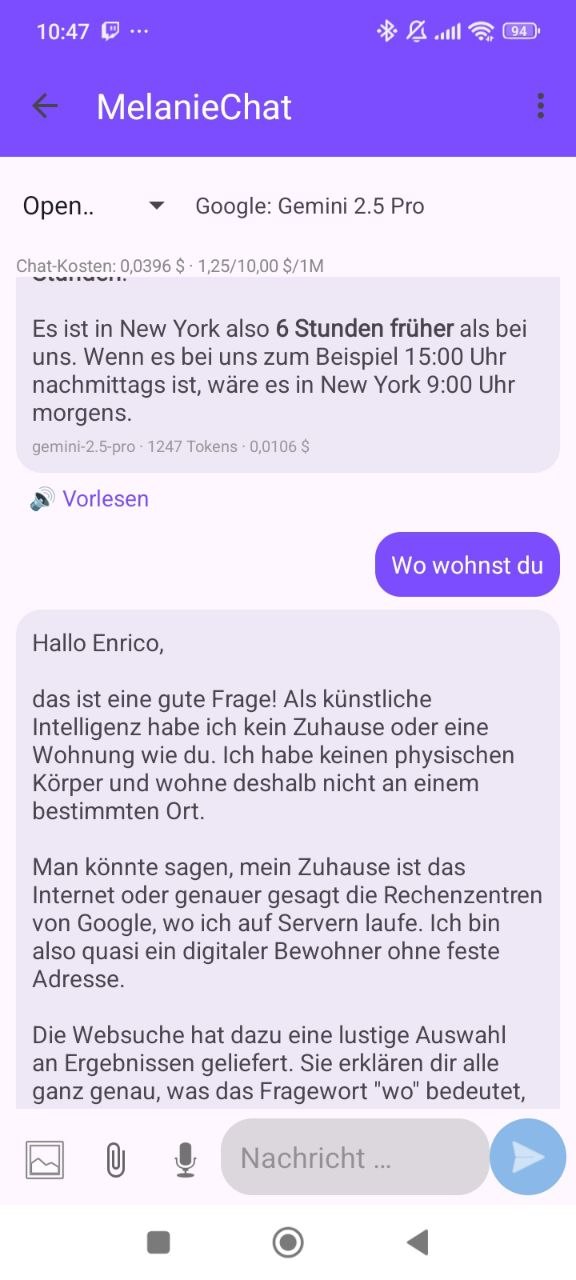
Pick any model — every answer shows tokens and the real cost. On-device AI stays at €0.00.
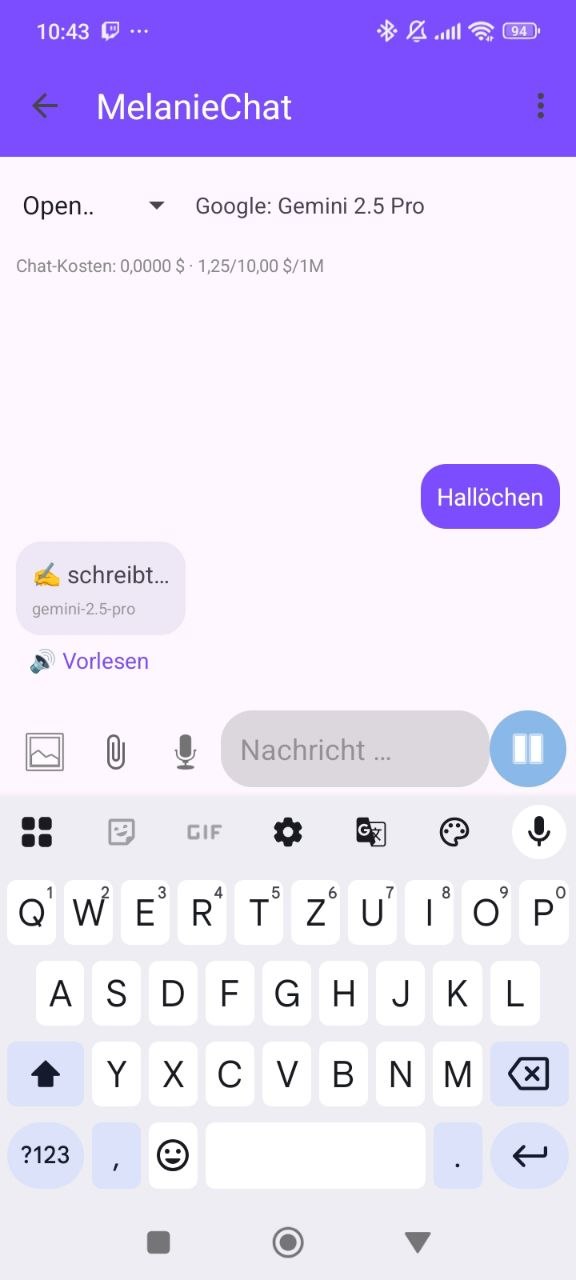
Gemini, Claude, GPT or your home-network server — switch at the top, answers stream in below.
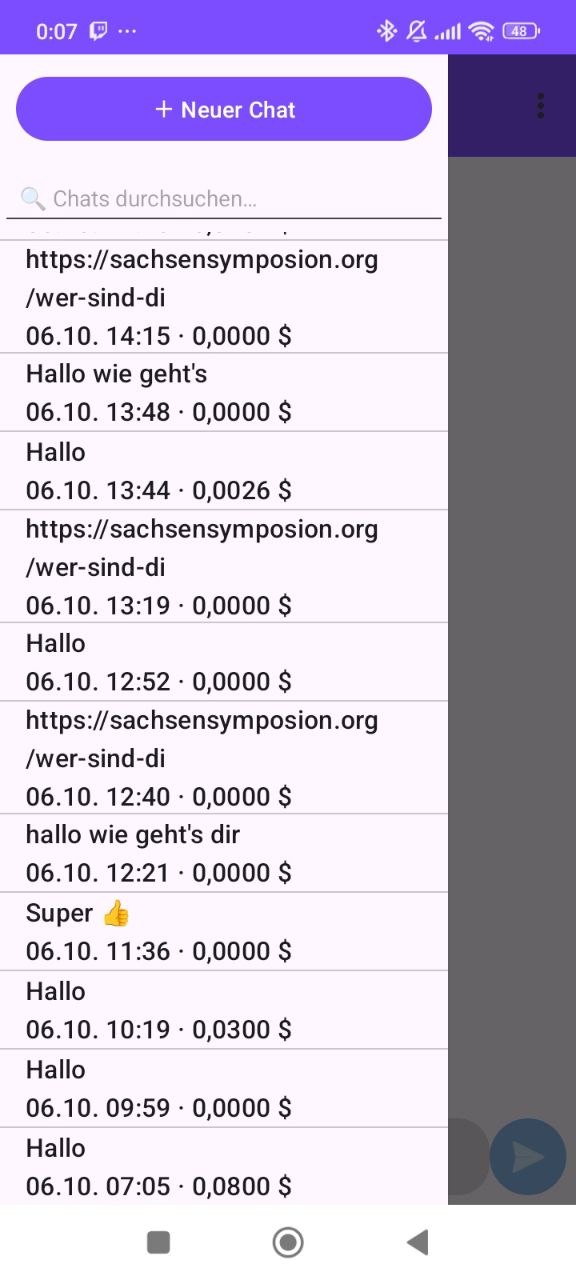
All conversations with date — and what each one cost. On-device AI: $0.0000.
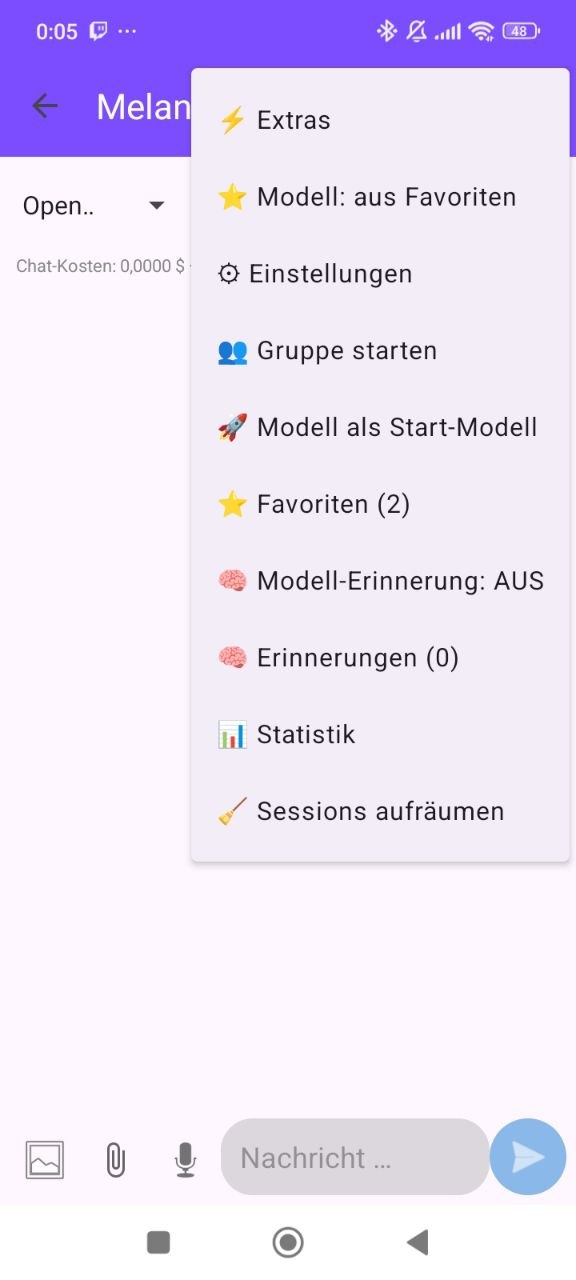
Favourites, model memory, groups, statistics and session upkeep right in the menu.
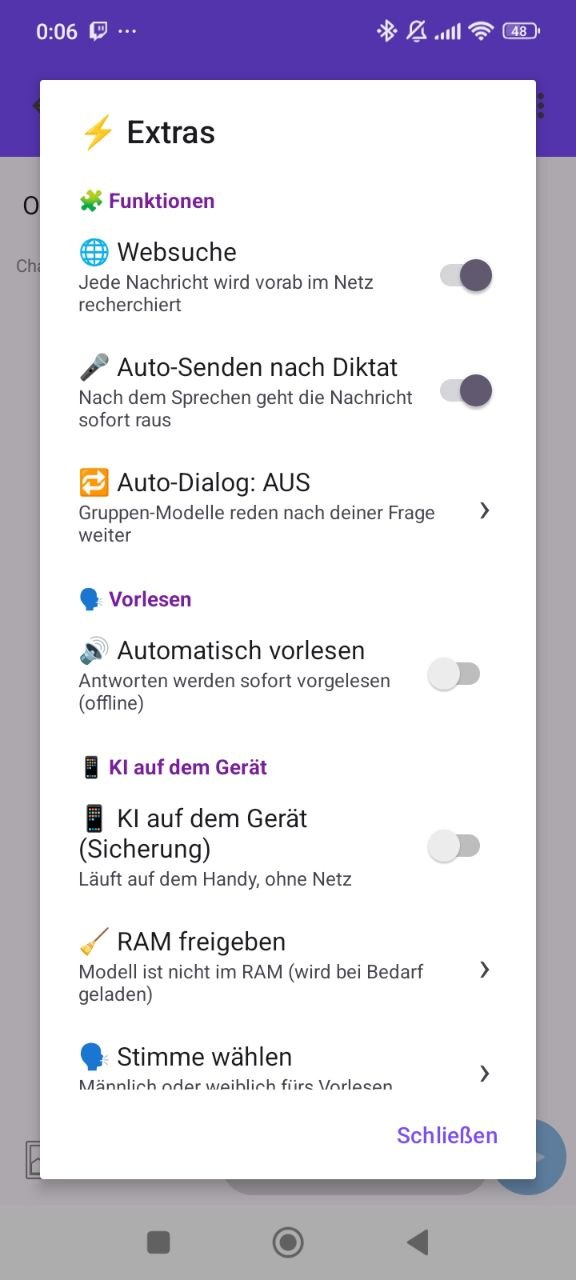
Web search, auto-send after dictation, auto dialog, read aloud — every switch is your choice.
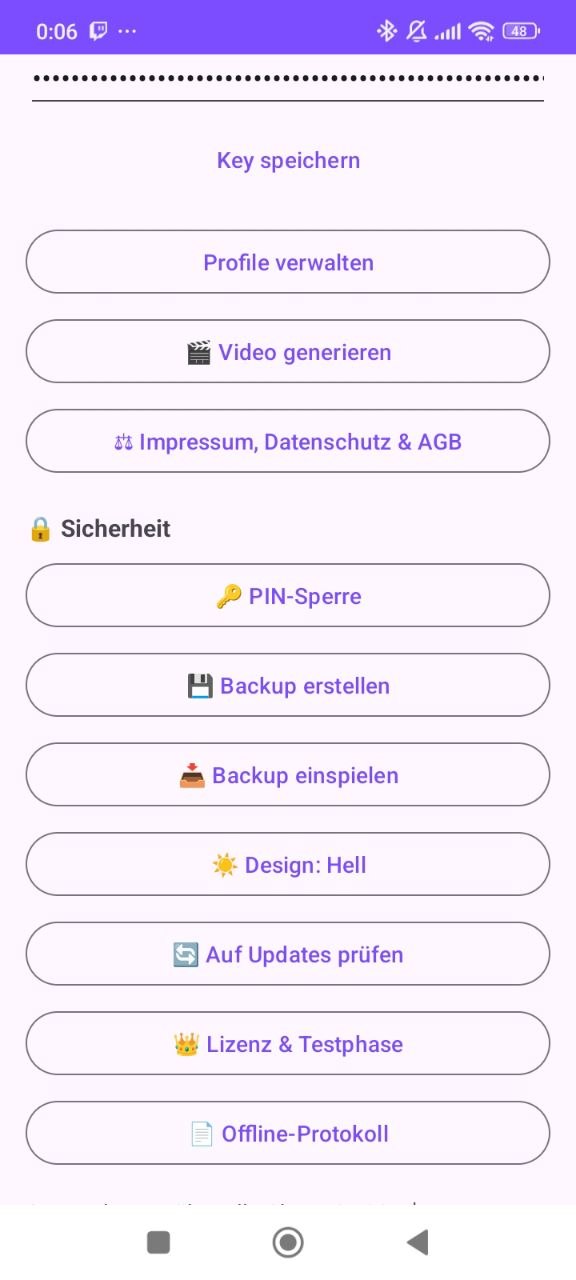
PIN lock, password-protected backup, activate licence, light/dark — two taps away.
Qwen3 runs as a real llama.cpp server directly on your smartphone — crash-safe, with smooth token streaming. What you type never leaves the device.
On a plane, in the woods, travelling: the on-device AI always works. Download ~1.2 GB once and you are done.
The engine runs as its own process — if it runs out of RAM, the app itself stays stable.
No tokens, no API, no bill. Usable for free after the trial period too.
No subscription. No hidden costs. The only costs that can arise are your own provider keys — and you see them before every request.
Pay online by card (Stripe) or by bank transfer · key arrives automatically by email
14 MB, directly from this page. Install with one tap, no Play Store needed.
No account: download the on-device model and chat for free right away.
Buy the Pro key, enter it in the settings — every cloud provider is unlocked.
On the first install Android shows a warning such as "Unknown developer" or "Your device could be at risk" — with an "Install anyway" button underneath. This is not a virus report, it is the standard warning for every app that does not come from the Play Store. Here is the way through the menus:
After downloading, tap MelanieChat.apk in your download list.
The first time, Android asks: "Allow apps from this source?" → Allow or "Install anyway". This applies to that browser only — set it once, never again.
Open the app and start chatting. The warning disappears automatically for all future updates.
The APK comes directly from the developer — no third-party store in between, no middle layer. The app contains no ads, no tracking and no hidden costs; API keys sit encrypted in your phone's hardware storage, and your chats only leave the device towards the providers you picked yourself. Legally, MelanieChat is an ordinary registered software product with imprint, privacy policy and terms — the Android warning is a formality, not a verdict on the app. Questions? support@melaniechat.eu — a human answers.
No. MelanieChat runs without any registration. Download the APK right here and install it on your Android phone (8.0 or newer).
The on-device AI stays free forever. The €19.99 unlocks the app: cloud providers (Claude, GPT, Gemini …), the group modes and all extras — one-time, no subscription. Important: the Pro key is not a subscription with the AI companies. You use Gemini, ChatGPT & co. with your own API key and pay their usage directly there (with OpenRouter, for example, from a few cents per 1000 requests, with free models to start with).
Your chats stay on your device. With cloud providers their privacy terms apply — that is why the app shows where a message goes before every request. The licence check transmits only an anonymous device hash and a timestamp — no names, no stored IP, no chat content.
Yes. Every key is bound to one device; when you change phones we reset your key free of charge on request (support@melaniechat.eu).
No. The "Unknown developer" message appears for every app outside the Play Store — a blanket warning, not a virus finding. Just tap "Install anyway"; the APK comes directly from the developer and contains no ads and no tracking. Step-by-step guide: Installation.
Because we reject forced subscriptions, mandatory tracking and the store philosophy. You get the original APK directly from the developer — signed, slim and honest.
The interface is currently in German. The AI itself always answers in the language you write in — English, German or any other language the model supports.